Design Free Sign Templates Online: Create a Custom Sign in Just a Few Steps
Tuesday, September 1, 2026
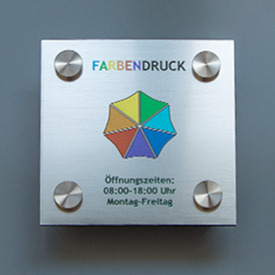
 A new company sign, a practice sign for the entrance, or a law office sign with your own name—the design process often seems more time-consuming than it really is. If you don’t want to hire a graphic designer and don’t want to use design software, you mainly need one thing: a simple way to go from an idea to a print-ready template.
That’s exactly where free sign templates help. You choose a ready-made layout, replace the sample text with your own details, and immediately see what the sign will look like later on. In this guide, you’ll learn what advantages templates offer, which signs they’re suitable for, and how to get to a finished design step by step—including an alternative if you’d rather hand the design work off.
Why free sign templates are worth it
A sign template is a pre-prepared layout. Font sizes, spacing, and structure are already aligned with each other. So you don’t have to start from scratch—you simply adapt an existing design to your data.Specifically, that means:
Time savings: A suitable design can often be customized in just a few minutes.
No design skills needed: Fonts, hierarchy, and the basic structure are already set up.
Cost savings: The template itself costs nothing. You only pay when the sign is produced.
Instant preview: You can see directly in the editor how your name, address, and contact details look.
No additional software required: Editing happens directly in your browser.
Especially for freelancers, practices, law firms, and smaller businesses without their own graphic design budget, this is a pragmatic way to achieve a clean result.
What is a sign template?
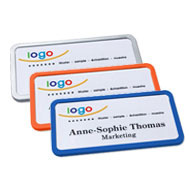
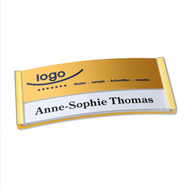
A sign template is a ready-made design with placeholders. Instead of building the arrangement and basic structure entirely yourself, you first choose a look that fits your intended use.Templates typically contain sample text such as:
- Max Mustermann
- Musterstr. 1
- Phone: 123/4567890
- max@mustermann.de
Which signs have suitable templates?
Not every template fits every purpose. That’s why designs are usually sorted by intended use.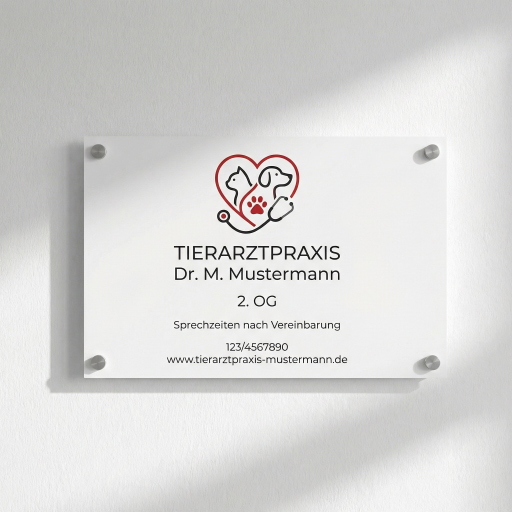 Practice sign templates
For doctors’ offices, therapy practices, or alternative practitioners. The focus is on name, specialty, practice name, contact details, and optionally office hours. A clear structure is important so patients can grasp the information quickly.
Company sign templates
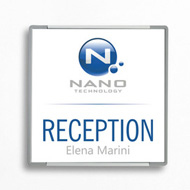
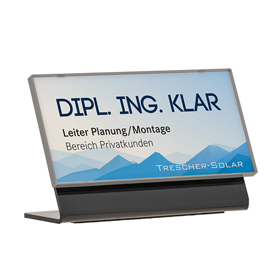
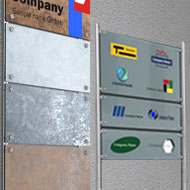
For offices, shops, commercial spaces, or entrance areas. Typical contents include company name, logo, address, and contact options. What matters most is instant recognition at first glance—depending on the industry, the design may be simple, modern, or understated.
Law office sign templates
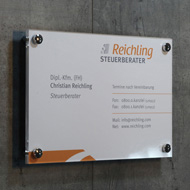
For law firms, tax advisors, or notaries. The look is usually more classic and formal; the focus is on name, professional title, and contact details—without too many extra design elements.
Within the categories, there are several variants—from simple to modern. You can find all available designs in the overview of free sign templates.
Design free sign templates online: step by step
The process is intentionally kept simple.1. Choose a suitable template
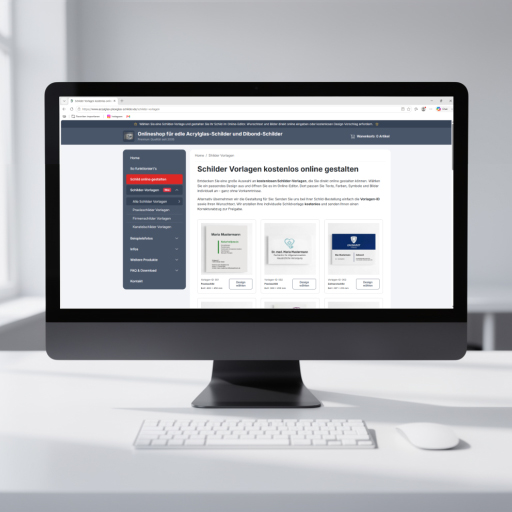
Open the overview of free sign templates and use the thumbnails as a guide. Don’t choose by style alone—simple, modern, or classic—also make sure the layout provides enough space for all the details you need.
2. Open the template in the online editor
With one click, the editor opens. The template is already loaded, including sample text. You don’t need to transfer the layout or rebuild it.
3. Replace the sample text with your details
Replace the placeholders with your real data: name, title, address, phone number, email, or additional lines. Font size, alignment, and hierarchy can usually be adjusted.
4. Check your logo, colors, and other elements
If you have your own logo or image, you can upload it in the editor and integrate it into the design. This helps the template fit your company branding better.
Important: Not every graphic element can be edited freely. Some backgrounds, decorative elements, or pre-integrated graphics are fixed in the design. You replace the text yourself; fixed image elements often can’t be changed as freely as in a professional graphics program.
5. Check the preview and save as a PDF
Check the preview for readability, spacing, and completeness. To do so, first add the design to your cart—this is not an order yet, just a reservation. In the cart, you’ll find the link “View template…”, which lets you open or save your template as a PDF. This way, you can review the design at your leisure or coordinate it internally.
6. Complete your order
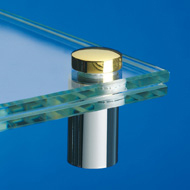
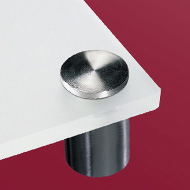
If you’re satisfied, choose the desired size and material in the cart—such as acrylic glass or Alu-Dibond with a white background or in a gold/silver metallic look. You only pay for the sign when it’s produced, not for using the template.
A detailed feature overview can be found in the Sign Editor guide.
What can be changed in a template—and what can’t?
A clear distinction makes sense:You can usually customize yourself:
- text and placeholders
- the order and emphasis of information
- font sizes and alignment
- your own logos or images, provided the editor allows uploads
Not always directly editable:
- fixed, integrated background graphics
- pre-built design elements
- certain decorative graphics or ornamental shapes within the template
The templates use common fonts (Windows system fonts or licensed Adobe fonts). If you want to use a specific font that differs from these, you can send us the corresponding font file.
The same applies to other special requests: If, for example, you want to change the color of a fixed integrated element or another detail of the template, let us know when placing the order—via the “Order notes” field in the cart or by email after your order. We review such adjustments as part of creating the print-ready file and implement them within the included free time allowance.
Alternative: Have a template designed for you for free
 Not everyone wants to work in the editor themselves. Sometimes there isn’t time—or you’d rather have the result finalized professionally.
Then proceed as follows:
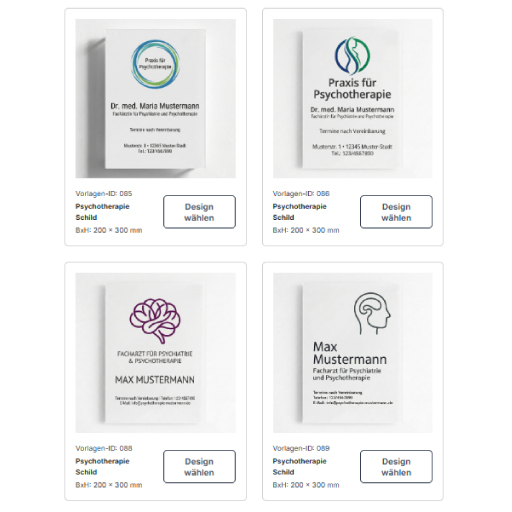
- Choose a template from the overview.
- Note the template ID.
- When ordering the sign, provide the template ID, your desired text, and optionally additional change requests—via the “Order notes” field or by email.
The graphics team will implement it as part of the order. This service is free for up to two hours of work—usually sufficient for most standard templates. If a particularly complex adjustment requires more time, we charge 15 euros per additional hour, including 19% VAT.
Before production, you’ll receive a free proof for approval. Proofs can also be provided multiple times if needed. Printing only starts after you have approved the print-ready file.
In short:
Design it yourself if you want to replace text quickly and keep direct control in the editor.
Have it designed if you have limited time, feel unsure about the look, or need fixed design elements adjusted.
Is it really free to use?
Yes—with a clear distinction:Free of charge:
- the sign templates
- use of the online editor
- design/customization by the graphics team for up to two hours of work
- proofs before production
Not free of charge:
- production of the sign itself (material, size, printing)
- additional design time beyond two hours (15 euros incl. VAT per additional hour)
So you can review templates at your leisure, test text, and compare variations without committing to paid services just by doing so. Costs for the finished sign only arise once you place the order and production begins.
Tips for a successful sign design
Even with a finished template, it’s worth taking a second look:Readability first: Font size and contrast must work even from a distance.
Clearly prioritize important information: Name and core message first, additional details smaller.
Don’t overcrowd it: Less text often looks more professional and is quicker to grasp.
Choose a material that matches the installation location: Acrylic glass and Alu-Dibond are weather-resistant and therefore also suitable for outdoor use.
Proofread before ordering: Watch for typos in names, phone numbers, postal codes, and email addresses.
Quick checklist before ordering
- Does the template fit a practice, company, or law office?
- Does the layout provide enough space for all required details?
- Is all information complete and correct?
- Is the logo inserted in sufficient quality?
- Does the text remain readable from a typical viewing distance?
- Are size and material clearly right for indoor or outdoor use?
- Are changes to fixed integrated elements still needed?
- Finalize it yourself, or hand over the template ID plus desired text to the graphics team?
FAQ
Do I need to install software for the design?No. The sign editor works online in your browser.
Can I further customize a template?
Yes. You replace the text yourself, and you can usually upload your own logos or images. Fixed integrated graphics can’t always be edited directly—requested changes can be provided when placing the order.
Can I save my template without placing an order yet?
Yes. First add the designed sign to your cart. This does not trigger an order. Using the link “View template…”, you can open or save the template as a PDF.
Are the sign templates really free?
Yes. The template and editor are free of charge. Design by the graphics team is also included for up to two hours; proofs as well. Costs apply to sign production and any additional effort beyond two hours. Details are in the section “Is it really free to use?”.
What can I do if I’m torn between two templates?
Since using the editor is free of charge, you can fill both templates with your data, save them as PDFs, and compare the results at your leisure before deciding.
Conclusion
Free sign templates make it easier to get started because you don’t have to begin with a blank layout. You choose a suitable design, replace the sample details, and review the result directly in the online editor.If you don’t want to handle the design yourself or want fixed design elements adjusted, simply provide the template ID and your desired text as part of the order to the graphics team—this includes a free proof, and production only begins after approval.
The easiest way to start is in the overview of free sign templates and choose the design that best fits your company and the information you need.